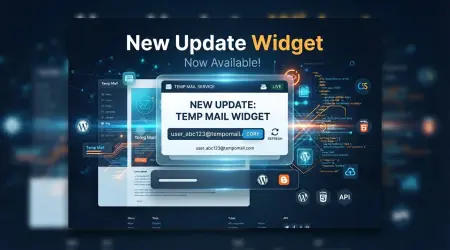

How to Add a Free Temp Mail Widget to Your Website
How to Add a Free Temp Mail Widget to Your Website
Spam prevention and genuine disposable email don't have to mean sending your visitors away to a separate site. You can let them generate a working temporary email address without leaving your page.
Tempomail offers a free, embeddable widget that does exactly that. Visitors click once, get a real temp mailbox instantly, and can open the inbox to read incoming mail — right inside the widget. No signup, no API key, no cost.
Why add it?
Real utility for your readers (privacy, testing, forum signups)
Keeps users on your page instead of bouncing them elsewhere
Zero maintenance: it's hosted for you
How to embed it (2 minutes):
Open the widget page:
https://tempomail.online/widgetCopy the iframe snippet — it's ready to paste into any HTML page or post editor
Paste it where you want the widget to appear. That's it.
You can also just link the text Free temp mail widget to
https://tempomail.online/widgetif you prefer a simple button.It works on WordPress, Blogger, any CMS — anywhere HTML is allowed. Site owners who embed it are helping their visitors with a genuinely useful free tool.