Add Temporary Email to Your Website: Launching the New Temp Mail Widget and How to Integrate It on WordPress & Blogger
In an era where digital privacy and protecting personal inboxes from spam are more critical than ever, Temporary Email (Temp Mail) services have become one of the most sought-after tools on the web. If you run a web tools platform, a programming blog, or a tech website, embedding a direct temp mail service for your visitors is a powerful magnet that can significantly boost your traffic and user engagement.
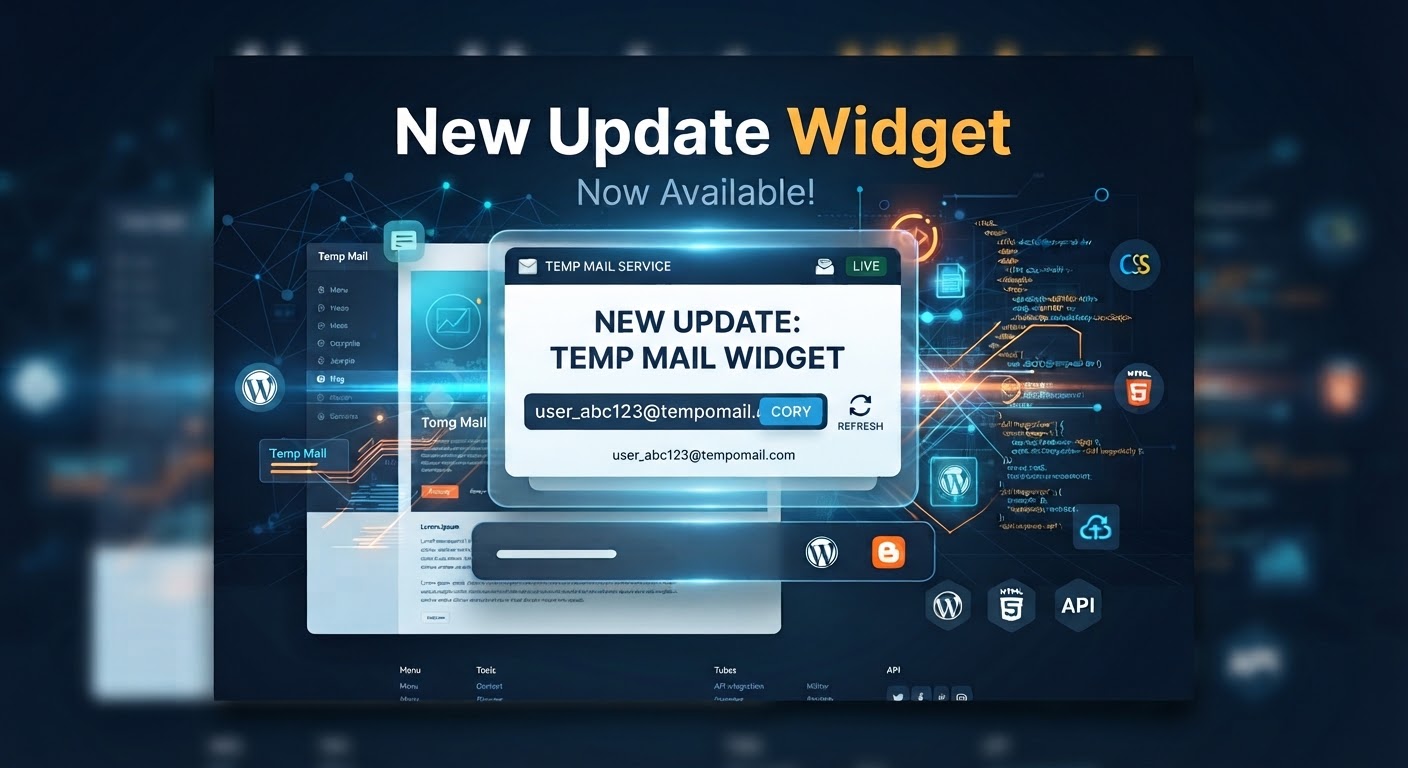
We are thrilled to announce the launch of the New Temp Mail Widget—featuring a modern design, lightweight performance, and seamless integration. In this comprehensive guide, we will walk you through the widget's features and how to easily set it up and run it across different platforms.
📬 Why You Should Add the Temp Mail Widget to Your Site
Boost Traffic & Engagement: Temp mail tools attract a massive daily audience looking for quick disposable emails to sign up for accounts or avoid spam.
Increase Visitor Retention: Instead of making users leave your site to find an external temp mail provider, they can now use the service directly on your platform.
Developer & Webmaster Friendly: It integrates smoothly into any web utility site, programming blog, or landing page.
🛠️ Integration & Setup Guide for Different Platforms
Installation requires just a simple embed code. Here is how to add it to your preferred platform:
1. Integration on WordPress
Via a Page or Post (HTML Block):
Log in to your WordPress dashboard, create or edit a page, and add a new block named Custom HTML.
Paste your Temp Mail widget embed code there and click Publish/Update.
Via Sidebar or Footer:
Go to Appearance > Widgets, add a Custom HTML widget to your desired area, and paste the code inside.
2. Integration on Blogger (Blogspot)
From your Blogger dashboard, go to Layout.
Click Add a Gadget where you want the tool to appear.
Choose the HTML/JavaScript gadget.
Paste the Temp Mail widget code into the content box, then click Save.
3. Integration on Custom HTML/PHP Websites
Open your target page or template file in your code editor.
Paste the widget's snippet code directly inside the <body> tag wherever you want the inbox generator to appear.
The widget is fully responsive and adapts seamlessly to mobile phones and desktops.
⚙️ Key Features of the New Temp Mail Widget
Instant Generation: Create a randomized email address with a single click.
Auto-Refresh Inbox: Automatically checks and updates incoming verification codes (OTP) in real-time without requiring a page refresh.
Quick Copy: A convenient one-click button to copy the temporary email address to the clipboard.